


Smart Lighting Checklist: 10 Things to Check Before You Buy

Smart bulbs are easy to buy and surprisingly easy to regret. The box shows colour wheels and voice commands; it rarely mentions whether the bulb will flicker at low brightness, whether the plug fits a UK socket, or what happens to your evening routine when the broadband drops. Most disappointing setups come down to a handful of details that were knowable before the money changed hands. Work through the ten checks below and you will buy once, fit it in an afternoon, and stop thinking about it — which is the point of a light.
Start with the hub question
Some smart bulbs talk straight to your router over Wi-Fi. That is the simplest route and fine for four or five bulbs; push much past that and a single router can start to strain. Zigbee and Thread bulbs are gentler on your network but need a hub — sometimes a small box, sometimes a speaker you already own. Bluetooth-only bulbs are the cheapest way in and the most limited: you control them from your phone in the same room, which wears thin quickly.
Matter has made cross-brand pairing easier, but “works with Matter” does not guarantee every feature survives the trip between ecosystems. Check the specific functions you want, not just the logo on the box.
Judge the app before you judge the bulb
An app is not an accessory. It is the switch, timer and settings menu for the next five years, so read recent app-store reviews rather than product-page ones and watch for complaints that repeat: forced accounts, routines that quietly stop, bulbs that drop off after a router restart.
Worth confirming before you buy:
- Does on/off and dimming still work without an internet connection?
- Do schedules run on the device or hub, rather than in the cloud?
- Does it insist on the 2.4GHz Wi-Fi band? Most do, and some routers hide that behind a single combined network name.
- Is there a family or guest option, so the whole house is not sharing one login?
Voice control is a bonus, not a plan
Alexa, Google Assistant and Apple Home all handle the basics well, though advanced features often live only in the maker’s app. Buy for the ecosystem you already use, and keep a physical switch or remote in the room. When your hands are full, a button beats a sentence.
Dimming: where most setups fail quietly
A smart bulb on a circuit controlled by a dimmer switch is asking for trouble: the bulb wants full mains voltage, the dimmer wants to chop it up. Either pair a smart dimmer with ordinary dimmable LEDs, or leave the switch alone and put smart bulbs in lamps.
If you are buying a smart dimmer, check four things:
- that it is rated for LED loads — trailing-edge designs generally suit LEDs better than older leading-edge ones
- the minimum load, since some dimmers need 10W or more and will flicker or refuse to start with a single 4W lamp
- whether it needs a neutral wire at the switch, which many do
- whether a bypass capacitor is needed to settle low-level flicker
Ask the retailer about your exact bulb and dimmer pairing. It is a fair question, and a good test of their knowledge.
UK plugs, voltage and wiring
UK sockets take BS 1363 three-pin plugs, and plenty of smart plugs sold online are built for American or European sockets. A travel adapter is fine for a holiday; it is not fine for something left running behind a sofa for years. Buy UK-plug devices, and check the voltage rating — equipment designed for 110V markets should not be used here.
Then the wiring. Most smart wall switches need a neutral at the switch position, which many older British homes do not have; the switch drop may carry only live and switched live. Product pages usually mention “neutral required” somewhere in the specification, so read that before ordering. Measure the back box too: smart switches are deeper than standard ones, and a shallow box in a solid wall becomes a problem quickly. Anything beyond plugging something in is a job for a qualified electrician, and in rented homes you will need your landlord’s permission.
Light quality and where the fitting goes
Two bulbs can look identical on the shelf and completely different on the ceiling. Compare lumens rather than watts, and check the colour temperature: around 2700K for warm, relaxing rooms, nearer 4000K for kitchens and anywhere you need to see detail. Tunable white earns its keep in a room that serves several purposes. A colour rendering index of 90 or above keeps skin tones and food looking natural.
In bathrooms, look at the IP rating and where the fitting sits — splashes and steam are not forgiving. Count your bulbs before you commit: replacing six ceiling spots with smart versions adds up fast, and one smart switch may do the same job for less. Remember that smart bulbs need permanent power
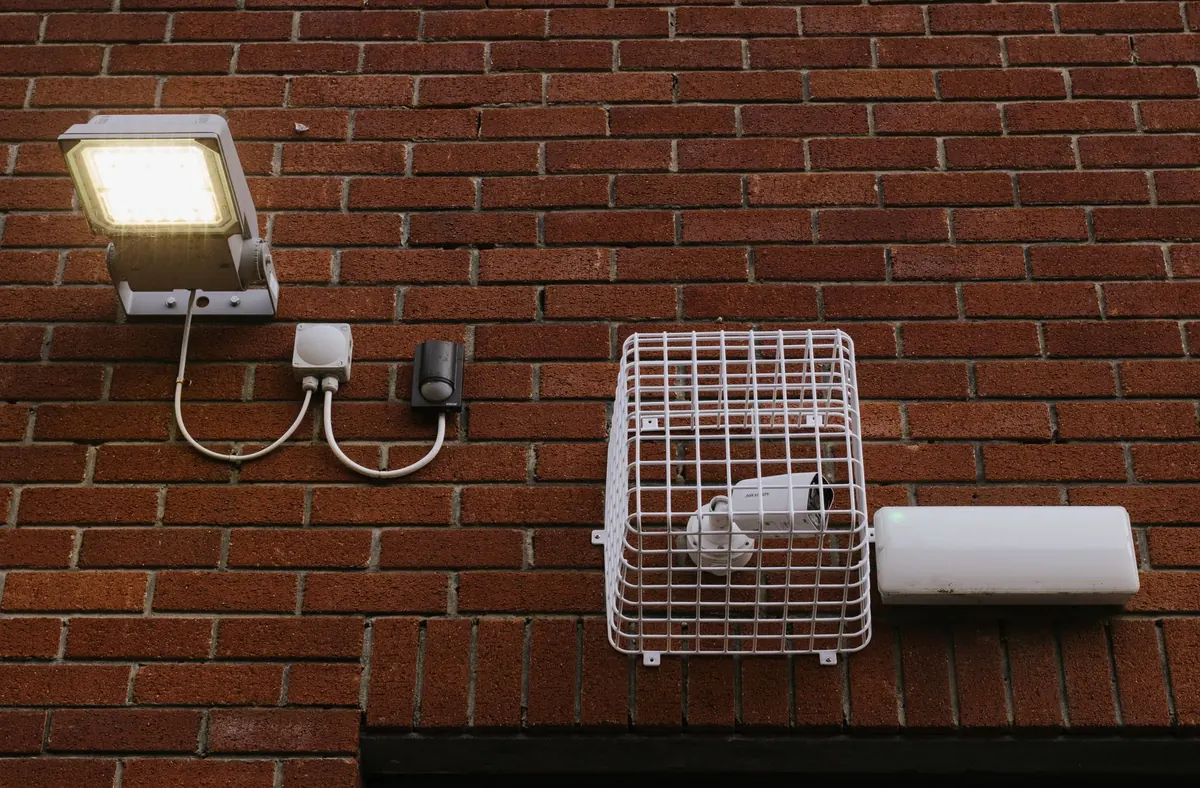
Photo: finnhart / Pixabay